

Published 5 months ago
Published: Fri, 23 Jan 2026 23:34:36 GMT
Updated: Fri, 23 Jan 2026 23:34:37 GMT
Read time: ⏱️ 4 min read
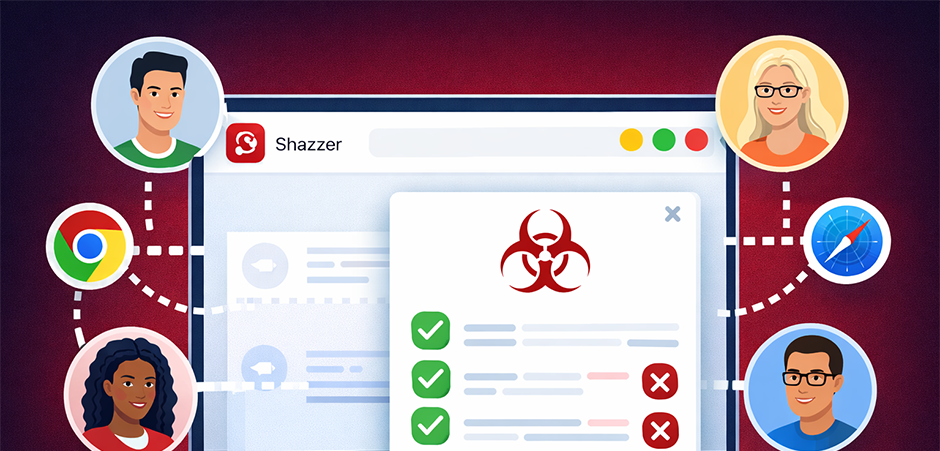
Shazzer has always been about discovering browser quirks and security edge cases through fuzzing. Today, I'm excited to introduce a new feature that takes this to the next level: Distributed Fuzzing.
Distributed fuzzing allows every visitor to Shazzer to contribute their browser's computing power to help test vectors across different browsers and versions. When you visit Shazzer, your browser can automatically run fuzz tests in the background, contributing results back to the community.
This means vectors get tested across a much wider range of browsers, versions, and platforms than any single researcher could achieve alone.
The system uses WebSockets via PartyKit to coordinate fuzzing tasks across connected browsers. Here's the flow:
The server intelligently tracks which browser/version combinations have already been tested for each vector, avoiding redundant work. It also detects when browser versions become outdated and schedules re-testing to catch behavioural changes in new releases.
The distributed system tests all three fuzzing modes:
Each test runs in a sandboxed environment within your browser, exactly as if you were running the vector manually.
Your browser only executes publicly available vectors - the same ones anyone can see and run on Shazzer. No personal data is collected or transmitted; only the fuzzing results (which characters/code points matched) along with your browser type and version.
You have full control: If you prefer not to participate, simply click the fuzzing status indicator in the bottom-right corner of the page and toggle the switch to disable distributed fuzzing. Your preference is saved locally and persists across sessions.
You'll notice a small status indicator in the bottom-right corner of the page:
Click the indicator to see more details including a breakdown of connected browsers by type and the toggle to enable/disable participation.
Browser fuzzing is most valuable when we have comprehensive coverage across different browsers and versions. A quirk that exists in Chrome might not exist in Firefox. A behaviour that changed in Safari 17 might still be present in Safari 16.
By contributing your browser's idle cycles, you're helping build a more complete picture of browser behaviour that benefits the entire security research community. The results you help generate are available to everyone using Shazzer.
For those interested in the implementation:
The system is designed to be lightweight - tasks are dispatched one at a time per browser, and the fuzzing engines are the same battle-tested code used for manual vector execution.
Simply by visiting Shazzer with distributed fuzzing enabled (the default), you're already contributing. Browse vectors, create your own, or just leave a tab open - your browser will help test vectors whenever idle tasks are available.
Together, we can build the most comprehensive database of browser fuzzing results available anywhere.
Happy fuzzing!